 Facebook✓
A little planning.
A calmer week.
Tickabee drafts your social posts with AI, you tick the ones you like, and they go out on schedule. Prefer to write your own? Schedule those in the same calendar.
A LOOK INSIDE TICKABEE
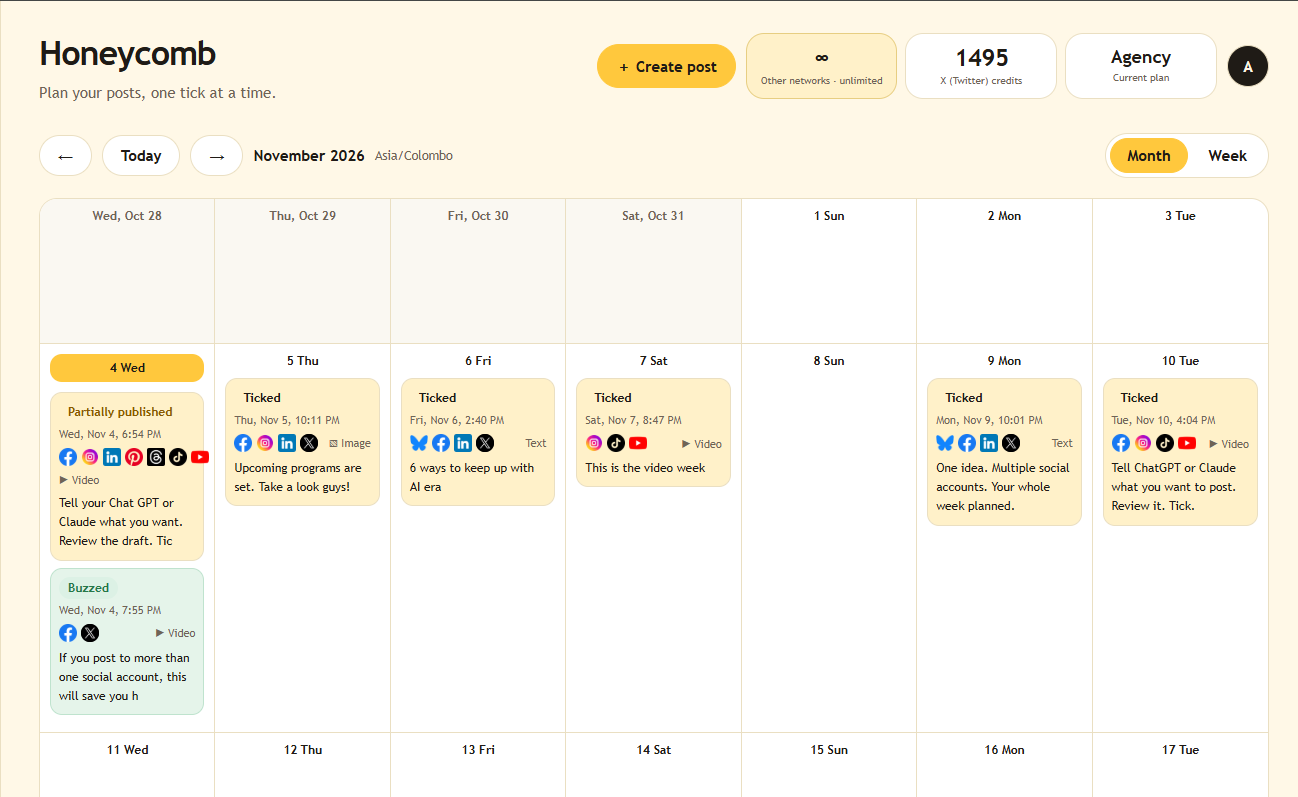
Your posts, platforms and publishing status in one calendar.
SEE TICKABEE IN ACTION
Tell ChatGPT or Claude what you want to post. Review the draft, choose your destinations, and give it your tick.
Watch how it comes together, without switching between social apps.
Start freeThe video loads from YouTube when you press Play. Watch on YouTube ↗
From a blank page to a scheduled week.
Tell Tickabee about your brand and what you want to say. AI drafts a batch of posts in your voice.
Read the drafts. Tick the ones you like, edit or skip the rest. Nothing goes out without your tick.
Ticked posts publish on the day and time you pick, across your channels.
Write or upload your own posts and schedule them in the same calendar. AI is optional.
ONE FINAL CHECK. YOUR TICK.
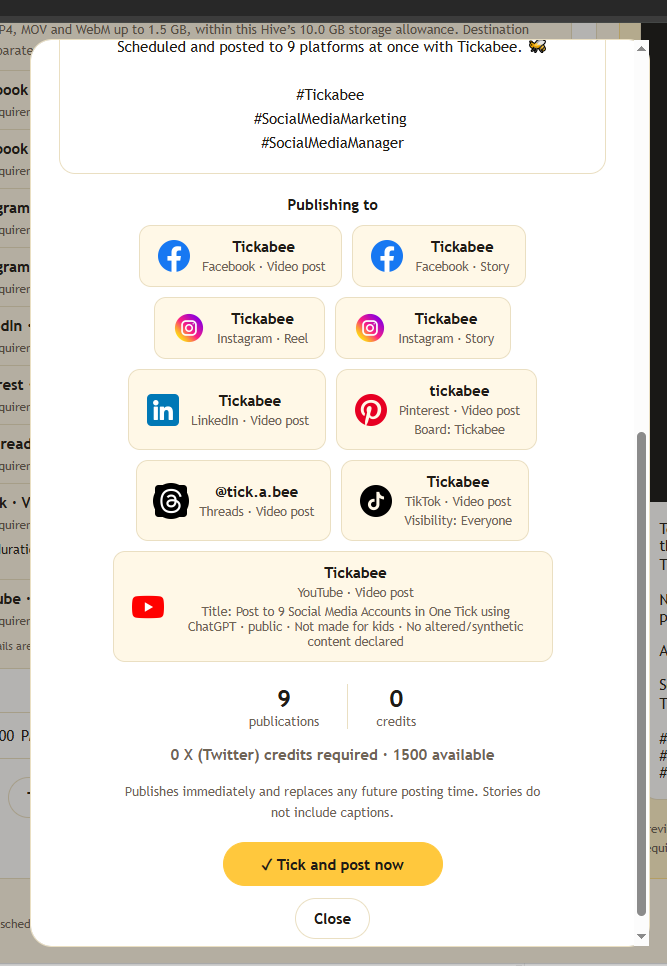
See exactly where your post will go before you approve it. Check each account and format, then tick to schedule or publish now.
Stay consistent without living in your phone. Get ideas, batch your week and keep your own voice.
Handle many clients in one place. Keep each client's posts separate and get a clear yes before anything goes live.
For business owners, marketers and social media managers. Plan campaigns, keep your brand consistent and get posts out without the daily scramble.
Connect ChatGPT or Claude to Tickabee. Ask your AI for a week of posts and they land in your Tickabee inbox, ready for your tick.
Stay in the chat app you already use. Say "plan next week's posts" and Tickabee gets them ready to approve and schedule.
Use the ChatGPT or Claude account you already have. Connect it to Tickabee by signing in. No API key or separate AI subscription needed.
Your existing AI account’s features and usage limits still apply. See how to connect ChatGPT or Claude.
AI is good at first drafts. You know your audience. Tickabee keeps the final say with you.
No API key or separate AI subscription needed. Your existing AI account’s features and usage limits still apply.
ONE IDEA. ALL YOUR CHANNELS.
Keep your message consistent across your connected platforms. Prepare it once, review each destination, and let Tickabee handle the schedule.
 One approved postFacebook✓
A little planning.
A calmer week.
 Instagram✓
A little planning.
A calmer week.
 LinkedIn✓
A little planning.
A calmer week.
 Threads✓
A little planning.
A calmer week.
 TikTok✓
A little planning.
A calmer week.
 YouTube✓
A little planning.
A calmer week.
 Pinterest✓
A little planning.
A calmer week.
 Bluesky✓
A little planning.
A calmer week.
 X (Twitter)✓
A little planning.
A calmer week.
 Google Business Profile✓
A little planning.
A calmer week.
Illustrative previews, not live publications. Available formats and media requirements vary by platform and account.
A PLAN FOR EVERY HIVE
Start small or make room for your whole team. Choose monthly billing or save with an annual subscription. Prices in USD.
Try any paid plan free for 14 days. No card needed. One trial per account. Annual subscriptions are billed upfront after activation, with X (Twitter) credits issued monthly.
Explore Tickabee and start publishing for free.
$0 USD / month
No subscription fee.
Everything you need to manage your own social presence.
$19 USD / month
Billed monthly. Cancel anytime.
Bring your team together to plan, review and publish.
$39 USD / month
Billed monthly. Cancel anytime.
Manage multiple brands and clients in one organized space.
$99 USD / month
Billed monthly. Cancel anytime.
Write, refine and save posts before they go live.
Plan upcoming posts and see what’s scheduled in one place.
Review the content and destinations before you publish or schedule.
Instagram, Facebook, LinkedIn, TikTok, YouTube, Threads, Pinterest, Bluesky and Google Business Profile. Supported feed posts, Stories, Reels and Shorts all count as posts. Formats depend on the platform and connected account.
Drafts and edits are always free.
X (Twitter) charges for every post, and posts with links cost more. We pass the publishing credit cost on at cost, with no markup.
Each paid plan includes X (Twitter) credits every month; see your plan above.
*Unlimited on the 9 networks shown, under fair use. For your own brands and clients. Plan account and team limits still apply. Prices in USD; annual plans are billed upfront. Taxes are shown at checkout. Comparison uses Buffer’s published monthly Team pricing and Hootsuite’s published Standard pricing (billed annually, per user), checked 3 November 2026. Plans differ in features and team limits.
GOOD SOCIAL GROWS TOGETHER
Help shape the product, share what works, and grow alongside a community of people who care about better social content.
FOR SOCIAL MEDIA PROFESSIONALS
Bring your experience, use Tickabee in your workflow, and help us build through honest feedback and shared experiences.
FOR CREATORS WITH AN AUDIENCE
Introduce Tickabee to your audience, create original content, and earn X (Twitter) credit rewards and referral commissions.
Applications require approval. Ambassador benefits depend on active participation; influencer credits require approved content and expire monthly. See each program for full requirements and current terms.
GUIDES
Short, practical guides to plan posts with your AI, keep approvals simple and publish on time.
4 min read
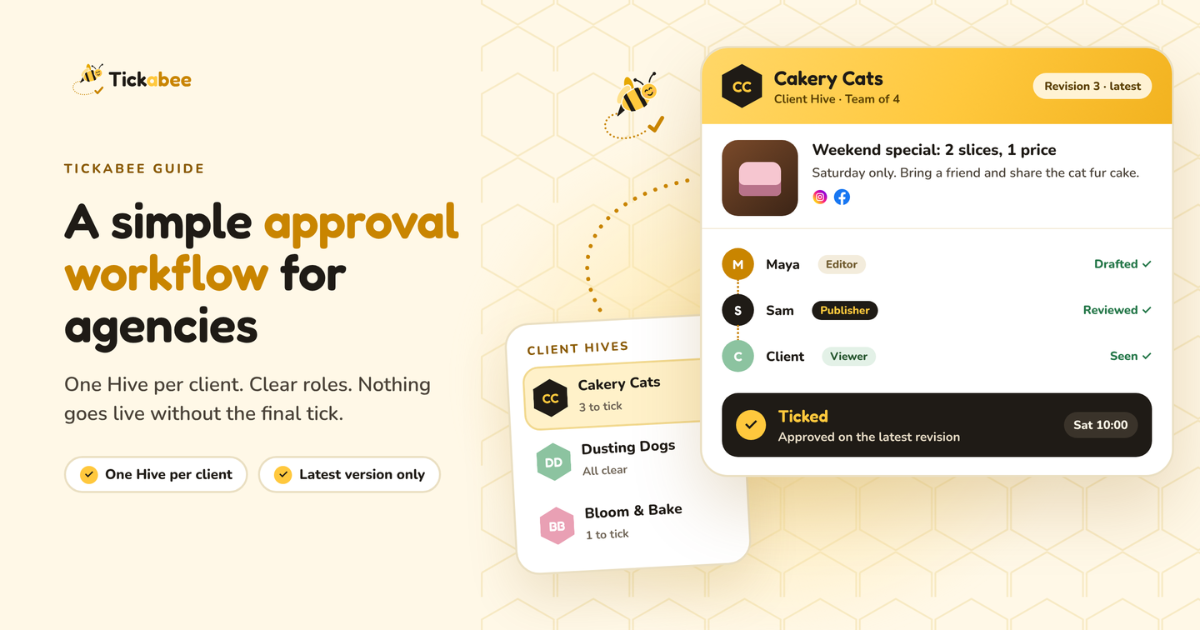
Stop chasing approvals across WhatsApp and email. Three rules and a weekly rhythm for agencies to plan, approve and publish client posts safely.
Read guide →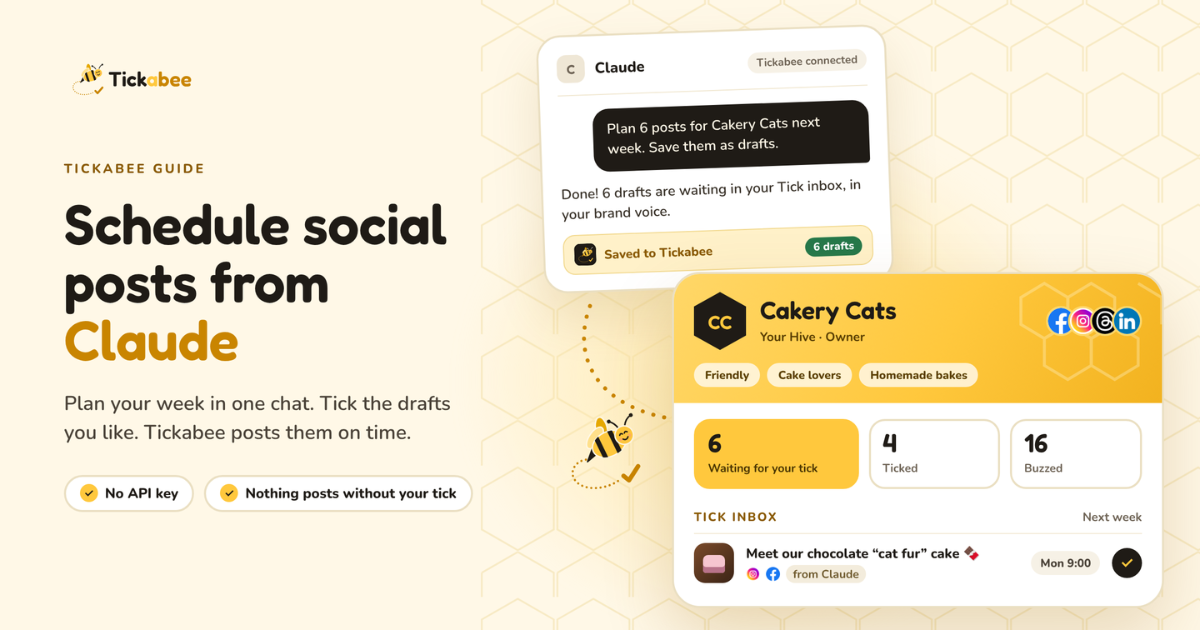
4 min read
Connect Claude to Tickabee, plan a week of posts in one chat, and approve each one before it goes live. Step-by-step setup with ready prompts.
Read guide →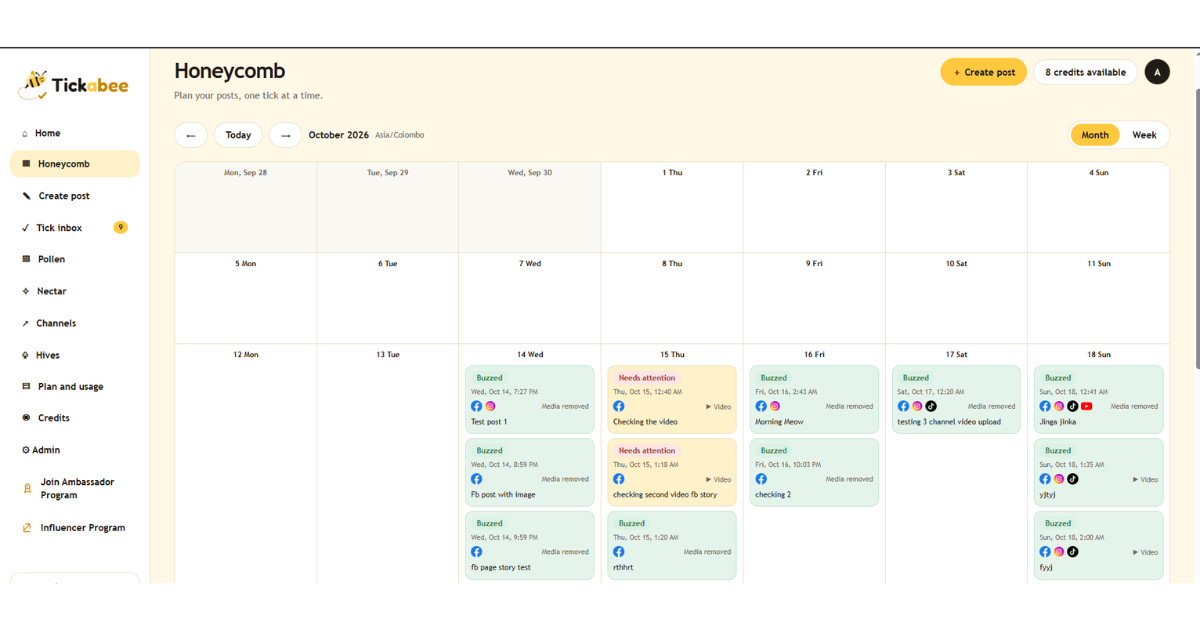
5 min read
Plan a week of social posts in ChatGPT, send them to Tickabee as drafts, and approve the ones you like before they publish. No API key needed.
Read guide →See what’s next for Tickabee and stay ahead of social media as AI changes how we create, connect and grow.