
Ask any small agency where the hours go, and approvals come up fast. A post is drafted, sent to a client on WhatsApp, edited in a doc, approved by email, then copied into a scheduler by someone else. One wrong version and the client sees a post they never signed off. A good approval workflow fixes this with three simple rules:
- Every client has its own space.
- Everyone has a clear role.
- Nothing publishes without a final approval on the latest version.
Here's how to set that up, in any tool and in Tickabee.
Rule 1: One space per client
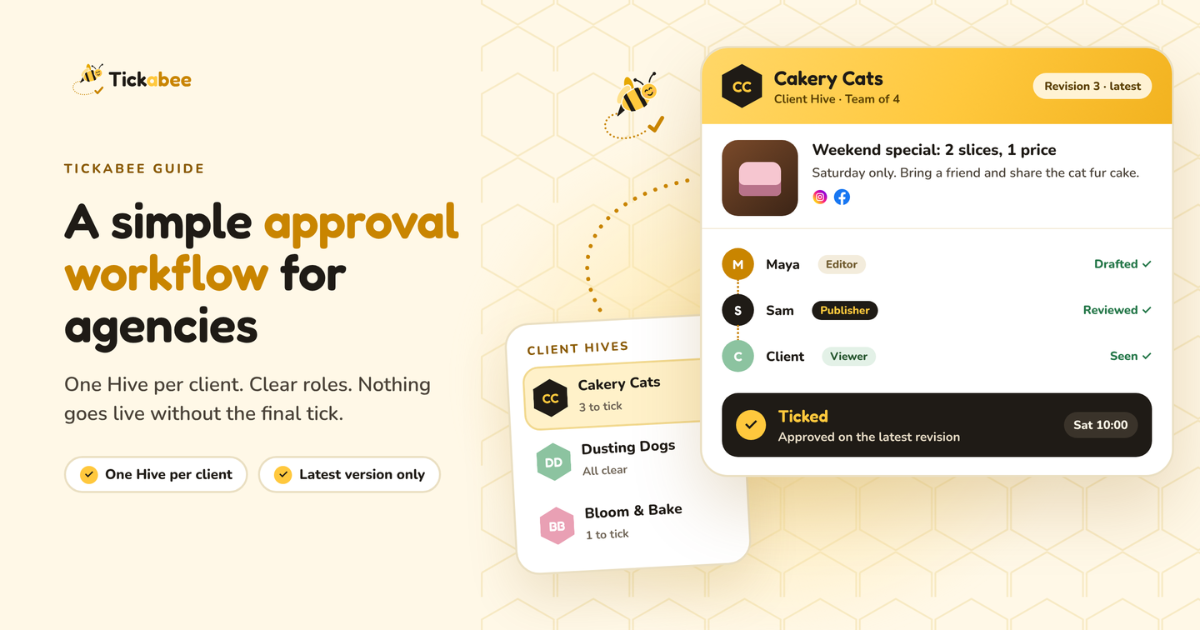
Mixing clients in one calendar is how a cake shop's post ends up on a law firm's page. Keep each client completely separate: their accounts, their drafts, their team. In Tickabee: create one Hive per client. Each Hive has its own:
- Connected social accounts
- Brand voice (description, audience, tone, words to avoid)
- Drafts and calendar
- Team members and roles
When you switch Hives, you only see that client's work.
Rule 2: Give everyone the right role
Most mistakes happen when everyone can do everything. Split the work:
| Person | What they do | Tickabee role |
|---|---|---|
| Agency owner or account lead | Manages the client space and settings | Owner |
| Senior social media manager | Reviews and approves what goes live | Publisher |
| Content writer or junior | Drafts and edits posts | Editor |
| Client who only needs to see the plan | Views the calendar and drafts | Viewer |
Each Hive has its own team, so a writer can be an Editor on one client and have no access to another. Invite people from the Hive's Team tab.
Tip: choose the smallest role that lets each person do their job. You can always give more access later.
Rule 3: Approve the latest version only
This is the rule most agencies miss. A client approves a post on Monday. On Tuesday someone fixes a typo and accidentally changes the price. The approved post is now a different post. In Tickabee: every edit creates a new revision. A tick on an older version doesn't count as approval for newer changes. Always review the latest version before you tick. The status of each post tells you exactly where it is:
- Draft: saved, not approved
- Ticked: approved and scheduled for a set time
- Buzzed: published successfully
A simple weekly workflow
Here's a rhythm that works for a small agency with several clients.
Monday: plan
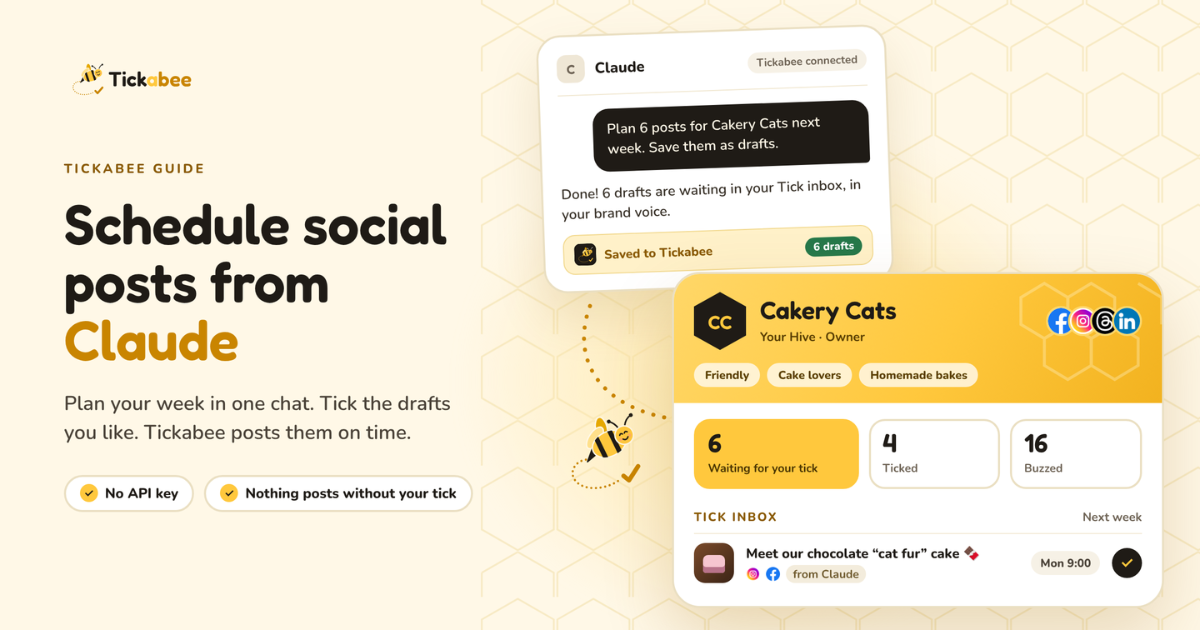
The writer (Editor) drafts the week's posts for each client, either by hand in Create post or with ChatGPT or Claude connected to Tickabee. AI drafts land in the client's Hive as drafts, never as published posts.
Tuesday: internal review
The Publisher opens each client's Tick inbox and checks:
- Is it the right account?
- Is the caption accurate (prices, dates, links)?
- Does the image match the post?
- Does it sound like the client?
They edit small things directly and send bigger changes back to the writer.
Wednesday: client sign-off
Clients with Viewer access can see the planned drafts themselves. Others get a quick summary from you. Collect their OK in one place, not across five chat apps. If a client wants to approve posts themselves, you can make them a Publisher on their own Hive. Agree on this up front, because Publishers can also schedule and publish.
Thursday: tick and schedule
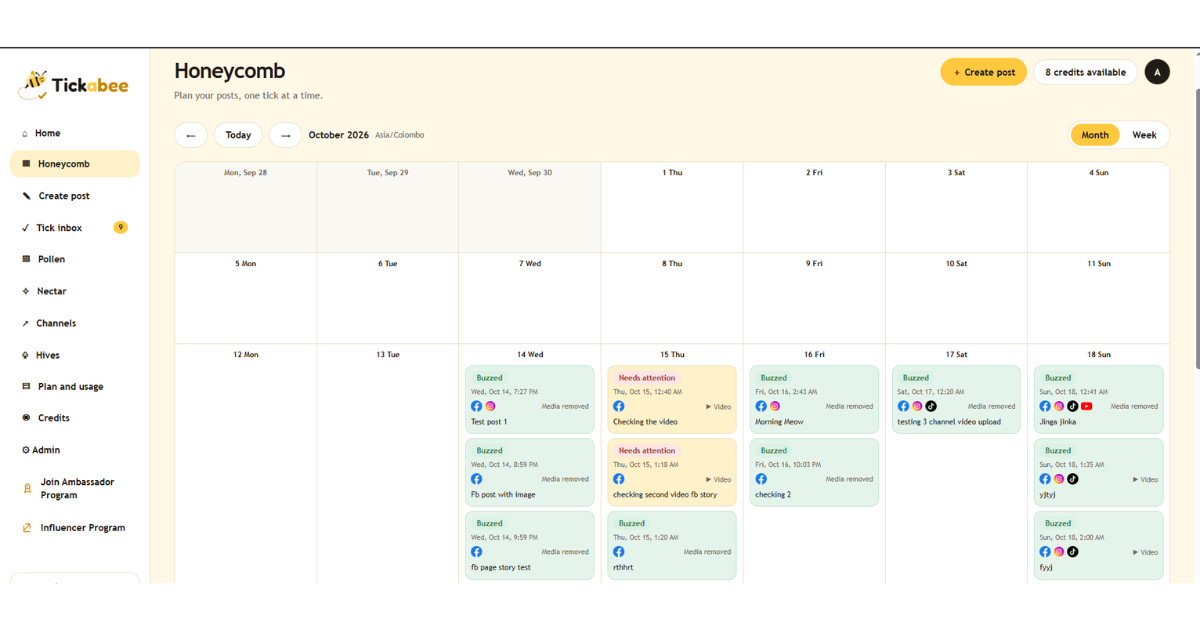
The Publisher ticks the approved drafts and picks the times. Everything for the week now sits in the Honeycomb calendar.
Friday: check results
Look for anything marked Needs attention. A network can reject a post for its own reasons, such as image size or account permissions. Check the result before retrying, so you don't post twice.
Where AI fits, safely
AI is great for first drafts and a poor final judge. A safe setup:
- Connect ChatGPT or Claude so they can create drafts only
- Leave Allow ticking and publishing off for client Hives
- Keep final approval with a human Publisher
That way the AI saves your writers hours, and a person still owns every post that goes live.
What this costs in Tickabee
Team roles and approval workflows come with the Team plan ($39 a month: 3 Hives, 10 accounts, 5 people) and the Agency plan ($99 a month: 10 Hives, 30 accounts, 15 people). Both include a 14-day trial with no card needed. See Pricing for current details.
Quick checklist
- One Hive per client
- Brand voice filled in for each Hive
- Writers are Editors, reviewers are Publishers
- Clients have Viewer access, or Publisher if agreed
- AI connected with publishing turned off
- Every post reviewed on its latest version before ticking
Set this up once, and approvals stop being the slowest part of your week. Start free with Tickabee