

Black Friday is on Friday, 27 November. For most small businesses and social media managers, the week before it is the busiest posting week of the year, and the one most likely to be planned at the last minute.
The usual routine looks like this: write a post in ChatGPT, copy it, open a scheduler, paste it, upload the image, pick a time, then do it again for every day and every platform. Seven posts can easily eat an afternoon.
In this guide, I'll show you how to plan and schedule a full week of Black Friday posts without leaving ChatGPT. We'll use a real example: a café called Willow & Bean running a 50% off Black Friday offer. From the first prompt to a ticked calendar, it takes about 5 minutes.
What you need before you start
- A ChatGPT account
- A free Tickabee account at tickabee.com
- Your social accounts connected to a Hive in Tickabee. A Hive is one brand or one client, with its own channels.
- The Tickabee plugin connected in ChatGPT. It takes about a minute: Plugins, search "Tickabee", add it, log in and choose which Hives ChatGPT can use.
How to schedule a week of Black Friday posts with ChatGPT
Step 1: Ask ChatGPT for a week of posts
Open a new chat, type @Tickabee and describe your campaign. Tell it to save drafts only, so nothing goes out before you've checked it.
Draft a week of posts for my business in Tickabee: a Black Friday promotion with 50% off new purchases. Save them as drafts for my review; do not schedule or publish.
Step 2: Pick the right Hive
ChatGPT checks your Tickabee account and lists your Hives. In the video, it finds three: Tickabee Official, Willow & Bean Café and Northstar Studio. Reply with the one you want:
let's choose Willow & Bean Café
If you manage several clients, this is what keeps them apart. Willow & Bean's posts can't end up in another client's account.
Step 3: Allow once, and 7 drafts are saved
ChatGPT asks for permission to use Tickabee. Click Allow once. A few seconds later you have seven drafts, one for each day, in a warm and friendly café voice:
- Black Friday is Brewing
- Your Coffee Break Just Got Better
- Good Coffee, Half the Price
- Pastry Lovers' Special
- Your Cosy Café Corner
- Weekend Brunch Promotion
- Last Black Friday Reminder
That's your Black Friday social media content calendar, and you haven't copied or pasted a word.
Step 4: Add photos in the same chat
Posts need pictures. Ask ChatGPT to create them, then attach them:
add attractive café photos featuring specialty coffee, pastries and brunch
add the generated images to their posts
ChatGPT matches each photo to its draft: coffee and croissant, iced latte, specialty latte, fresh pastries and so on.
Step 5: Preview every post in Tickabee
Open Tickabee and go to the Tick inbox. Every draft is waiting there with its photo. Click Preview to see the post exactly as it will appear, then edit it, skip it, or leave it for later. Nothing is published at this point.
Step 6: Pick the dates and tick once
Back in ChatGPT, ask it to schedule the week:
schedule the posts that have images attached. The first post should start from 23 Nov 2026
ChatGPT proposes a posting plan, one post per day, and asks what time. It suggested 9:00 AM London time; reply to confirm:
yes, use London time 9 AM
It shows a final confirmation before anything is scheduled. Click Tick and schedule, and the posts are scheduled.
Step 7: Check the Honeycomb calendar
Open the Honeycomb in Tickabee. Your Black Friday run-up is there, day by day, each post marked Ticked. Tickabee publishes them at 9:00 AM on each date.
Why this beats the copy-paste routine
| The usual way | ChatGPT + Tickabee | |
|---|---|---|
| Writing the posts | In ChatGPT | In ChatGPT |
| Getting them into a scheduler | Copy and paste, one by one | Saved as drafts automatically |
| Images | Download, then upload to each post | Created and attached in the same chat |
| Checking before publishing | Easy to skip at midnight | Every post waits in the Tick inbox for your tick |
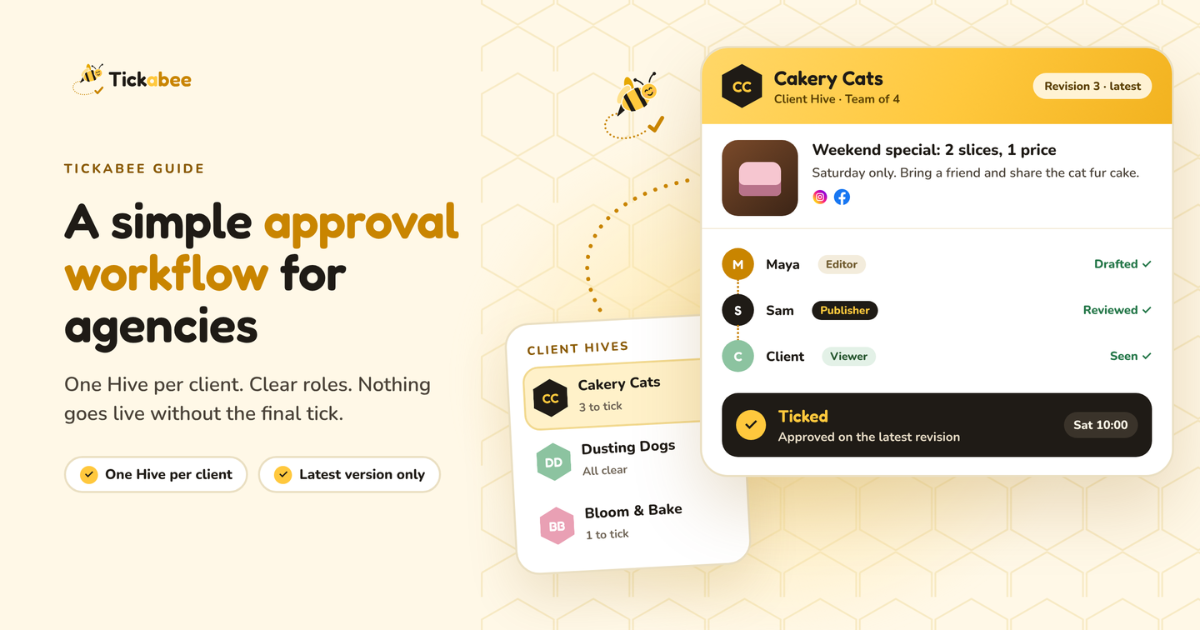
| Clients and brands | Easy to post to the wrong account | Each brand in its own Hive |
| Extra AI cost | Many schedulers sell their own AI credits | Uses the ChatGPT you already have |
Many schedulers sell their own AI credits
Uses the ChatGPT you already have
The most important row is the fourth. AI is fast, but it isn't always right. With Tickabee, nothing goes live until you tick it, so a wrong price or a placeholder like "[INSERT CTA HERE]" never reaches your customers.
FAQ
Does ChatGPT publish posts without asking me? No. In this guide, ChatGPT only saves drafts until you tell it to schedule, and it shows a final confirmation before it does. You can also review and tick every post yourself in Tickabee.
Which platforms can I schedule to? Tickabee posts to 10 platforms: Facebook, Instagram, Google Business Profile, LinkedIn, TikTok, YouTube, Pinterest, Threads, X and Bluesky.
Do I pay extra for AI? No. ChatGPT does the writing and the images, so you don't buy separate AI credits in Tickabee. Posting to platforms other than X uses no credits. X posts use Tickabee credits.
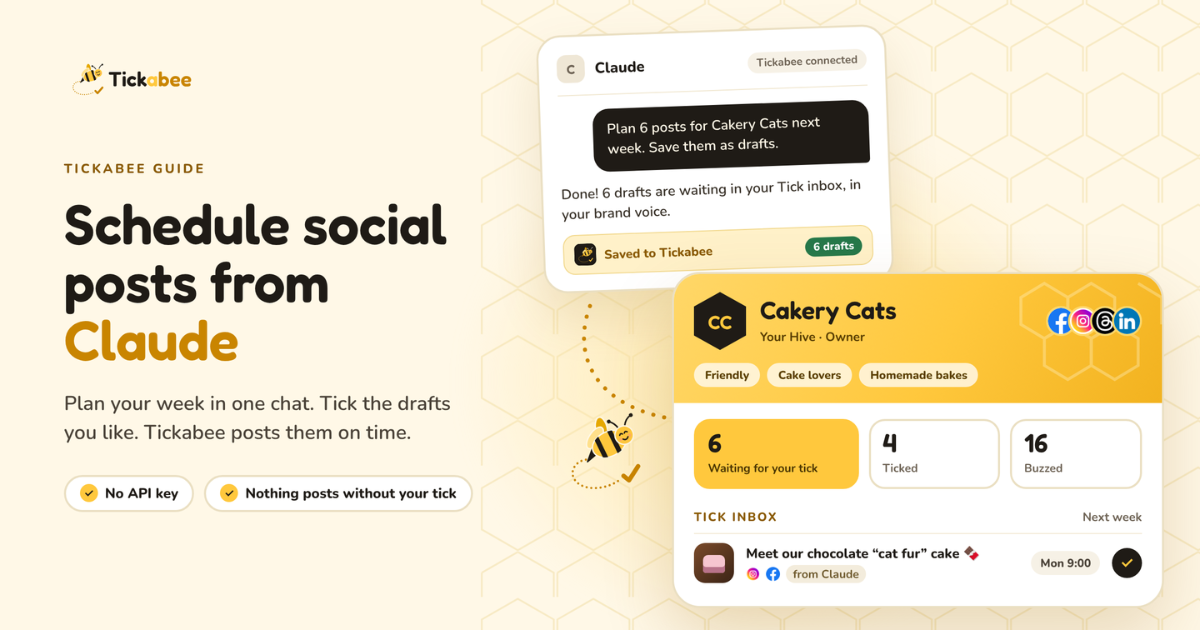
Can I use Claude instead of ChatGPT? Yes. Tickabee also works with Claude, with the same draft, preview and tick flow.
I manage several clients. Will their posts get mixed up? No. Each client lives in its own Hive with its own connected accounts, and you choose the Hive before any draft is saved.
Plan your Black Friday week today
Black Friday is on 27 November. Plan the whole week in one chat, check every post, and tick once.
AI drafts. You tick. Tickabee schedules and posts.